1
Go to Tag Manager.
2
Click Add Tag -> select Dropdown as the tag type.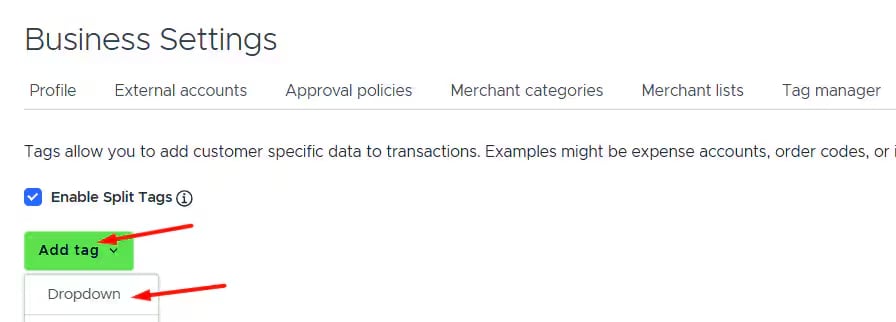
3
Name the tag (e.g., “Account”).
4
Click Save tag.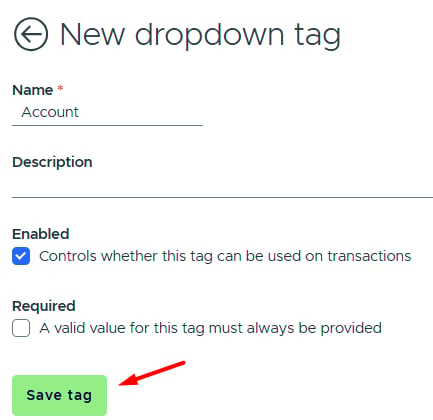
5
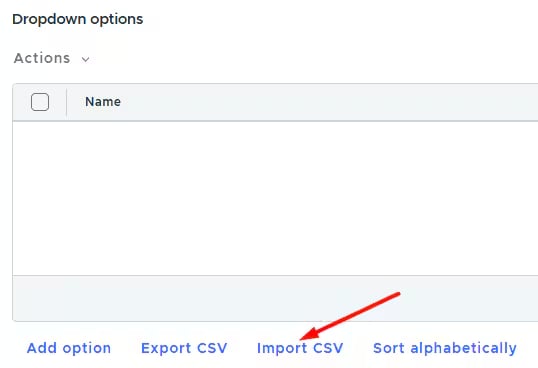
Click Import CSV to upload your tag options (chart of accounts in our example). More details on CSV import are available in our support article.
6
Return to the Configure tab and select the created tag in the PEX value column for the “Account” field.