1
Log in to http://dashboard.pexcard.com/
3
Click Add Tag.
4
Select Dropdown as the type.
5
Enter a name: Account.
6
Optionally, add a description like “NetSuite Account”.
7
Check Enabled to make this tag visible on transactions.
8
Choose whether or not this tag is required.
- If the “Required” checkbox is checked, cardholders must tag a transaction with it.
9
Click Save tag to finish.
- The new tag will appear on the Tag Manager page.
10
Create one tag for each NetSuite field mapped to a PEX tag (like Class, Location, etc.) following the same steps above.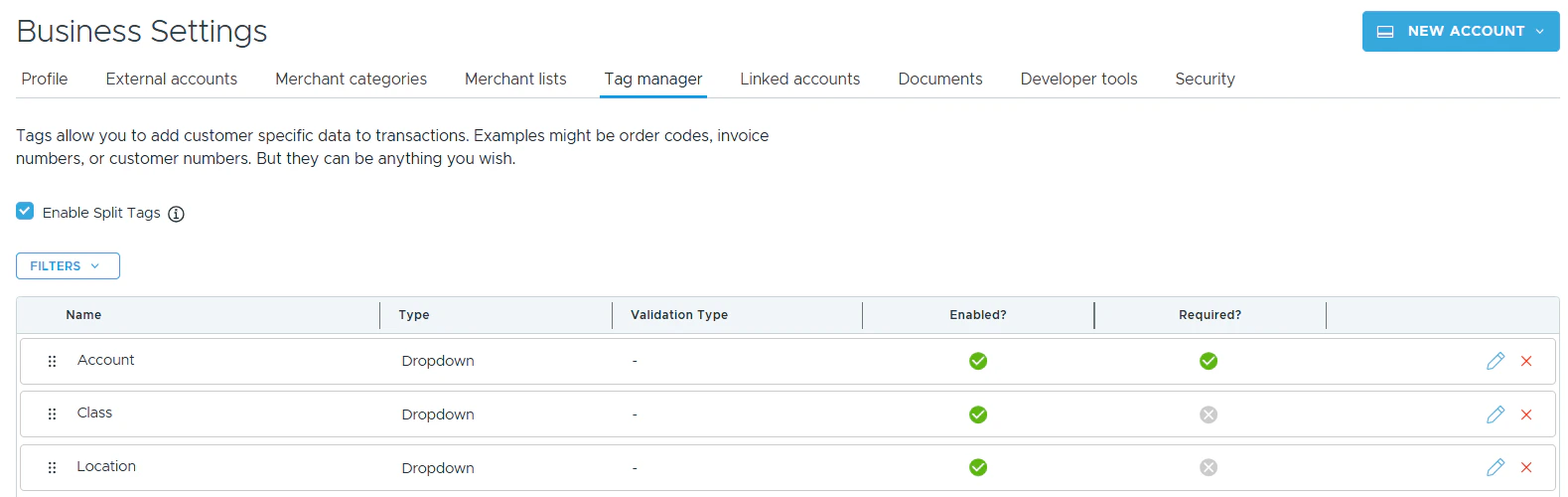
- You will have PEX tags appear in Tag Manager.
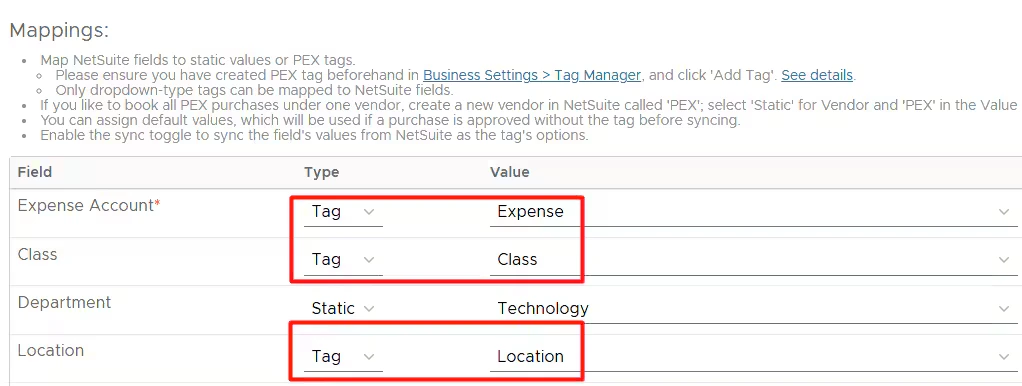
- In the dropdown lists of the Mappings table so you can do the mapping.
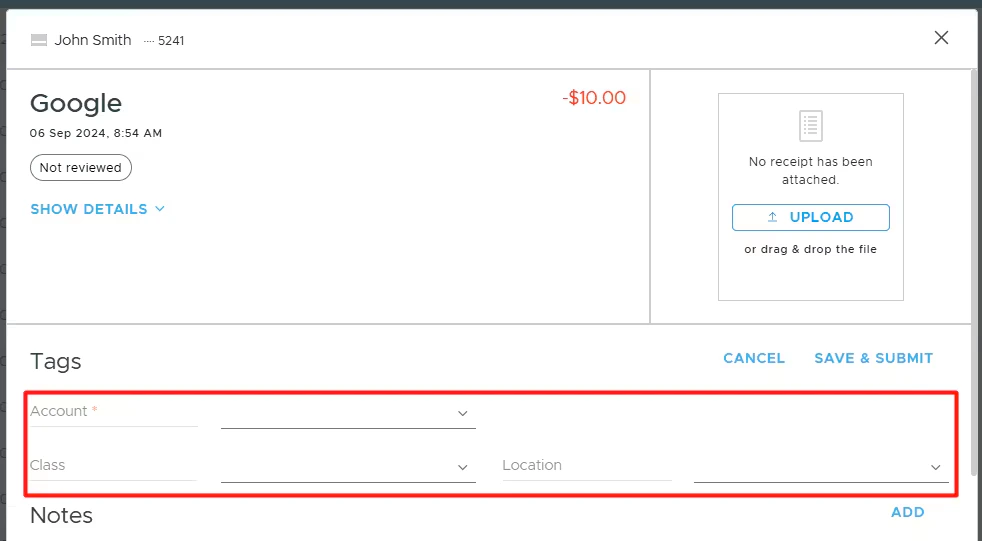
- On the PEX transaction details screen, so you and your Cardholders can tag transactions.