Note:Any geographical or state specific spend rules only apply to “card present” use.
How to limit spend by state
1
Log in to the PEX administrator site and choose “Cards” from the left navigation
2
Choose the card for which you wish to limit spend
3
Click the tab titled “Spend rules”
4
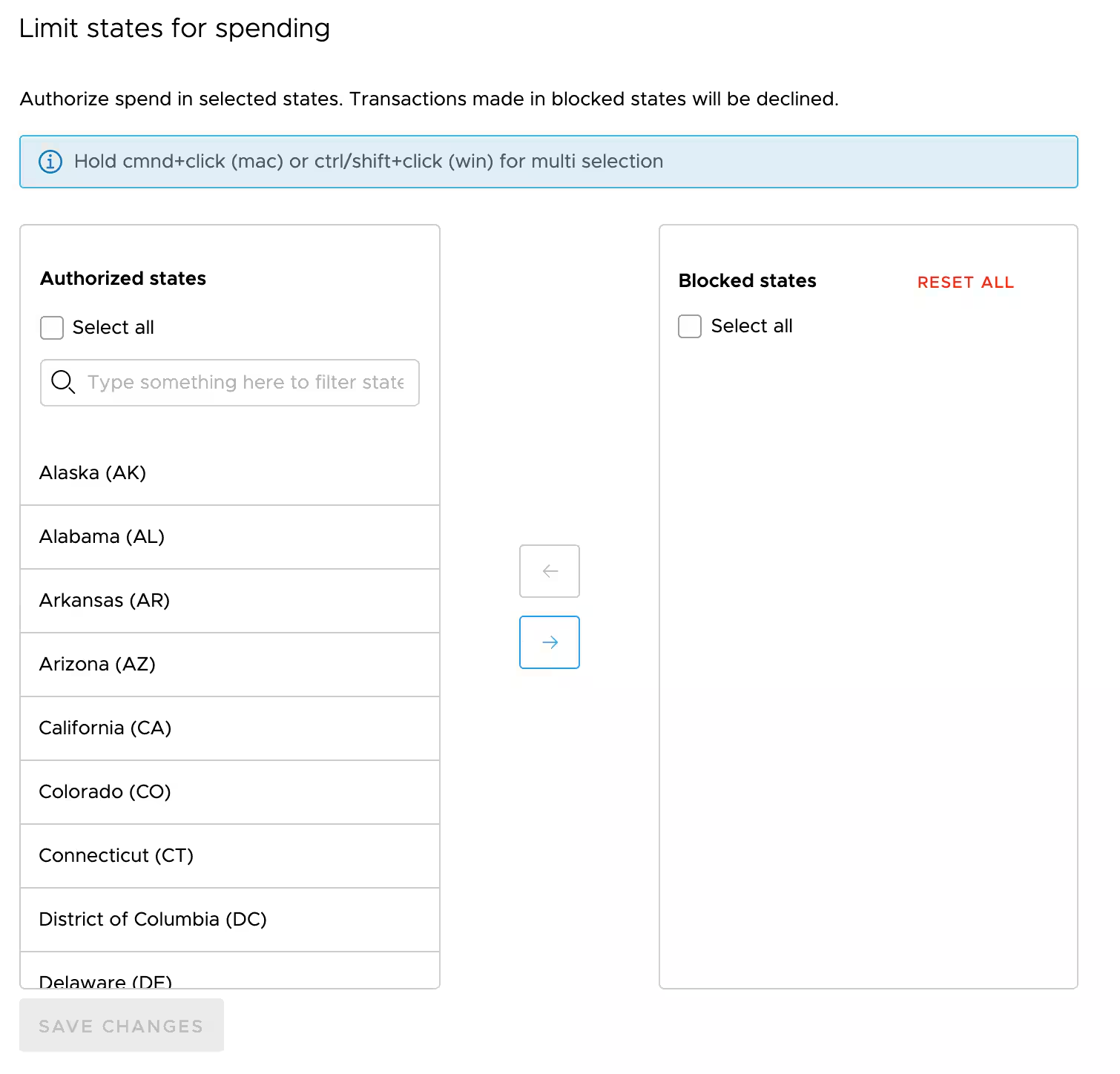
Scroll down until you see a section titled “Limit states for spending”
5
Use the arrow buttons to move states from the “approved states” list to the “blocked states” list and vice versa.