

How to find a cardholder’s username
1
Log in to dashboard.pexcard.com
2
Click the “Team Members” tab
3
Locate the cardholder’s name
- Or use the “find in this table” or filters to narrow the list to find the cardholder
4
Click the cardholder’s name
5
The cardholder’s username is shown on their profile details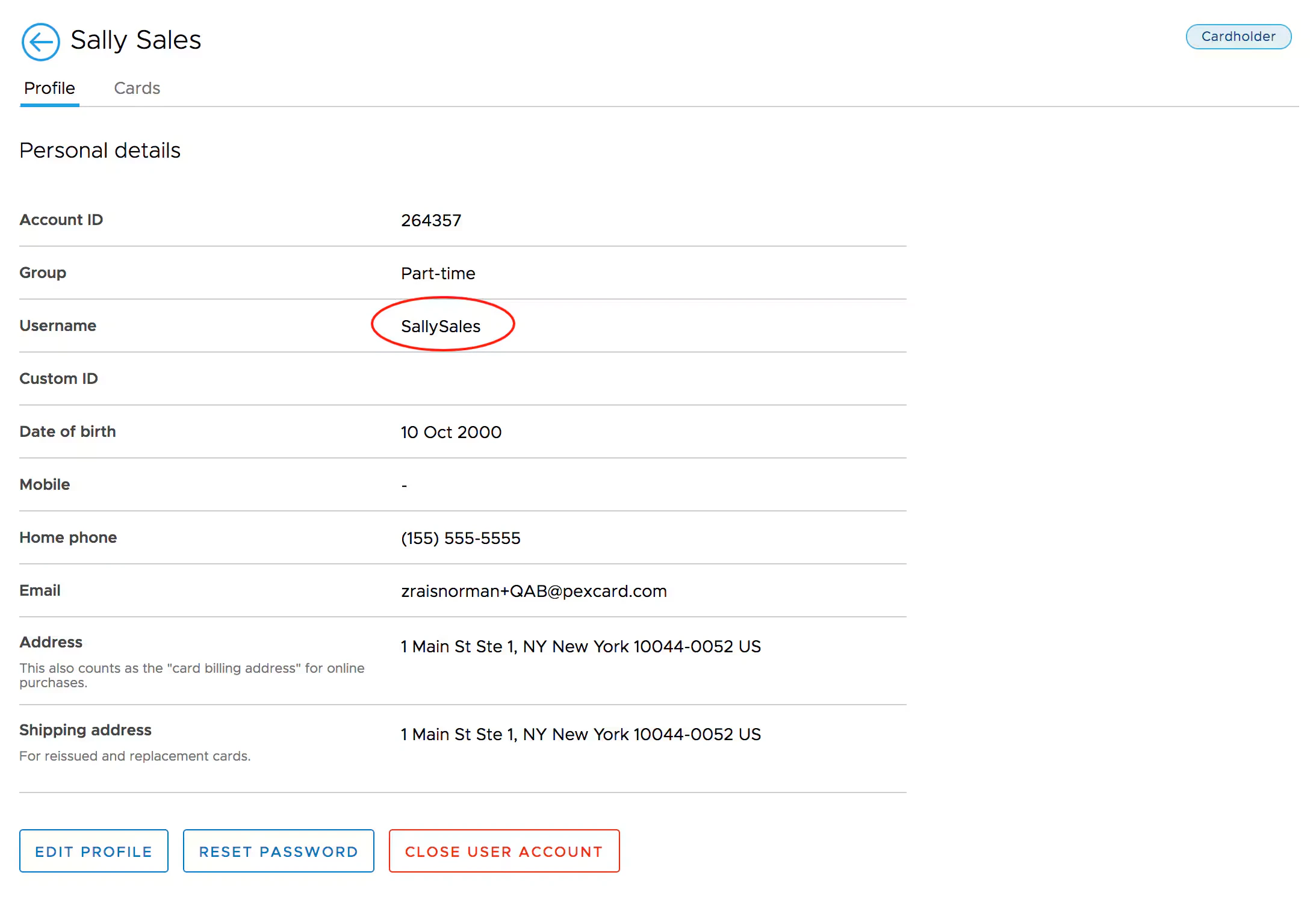
Note:If a username is not listed, the cardholder will need to register their card in order to create their username and login credentials. A cardholder may only register their card once.