

1. Verify your phone number
You can verify your phone number in two places.Verify via login:
1
Log into your dashboard via dashboard.pexcard.com
2
Select your phone number
3
When prompted, enter the secure access code sent to your phone number
Verify via dashboard:
1
Log into your dashboard via dashboard.pexcard.com
2
Visit My Profile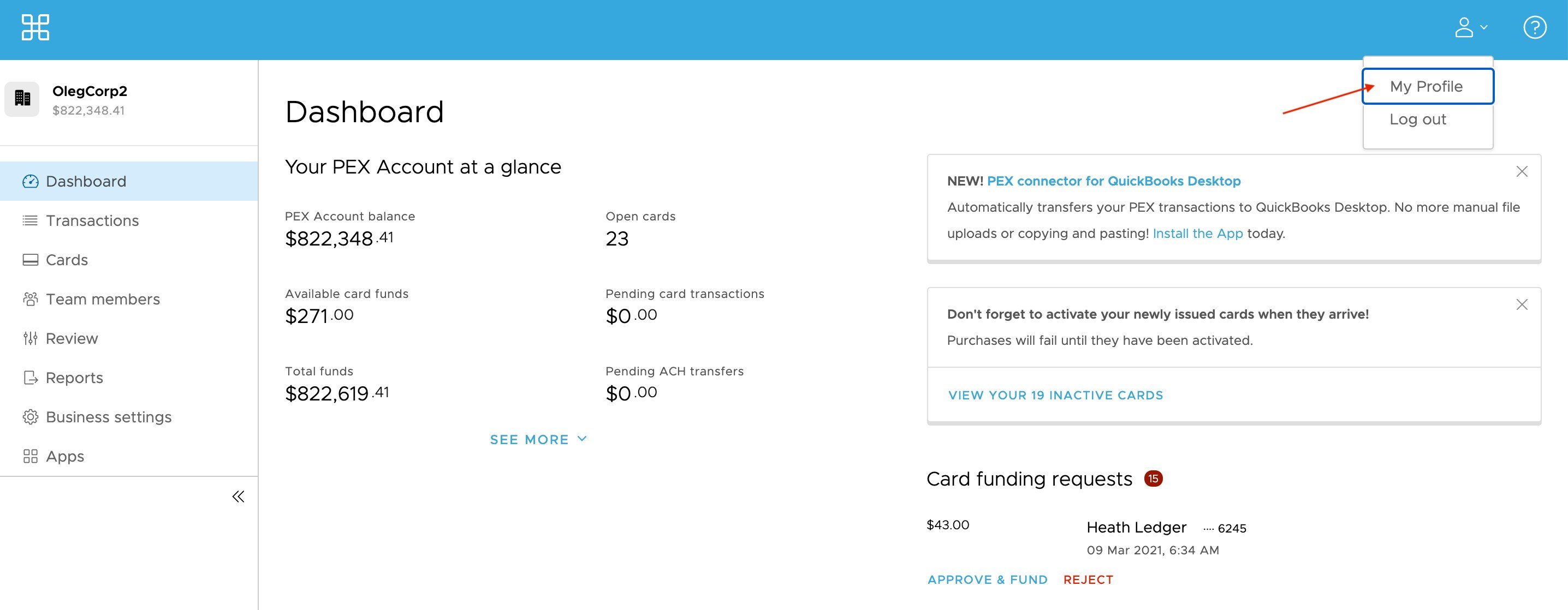
3
Edit or add your phone number where you would like to receive SMS MFA notifications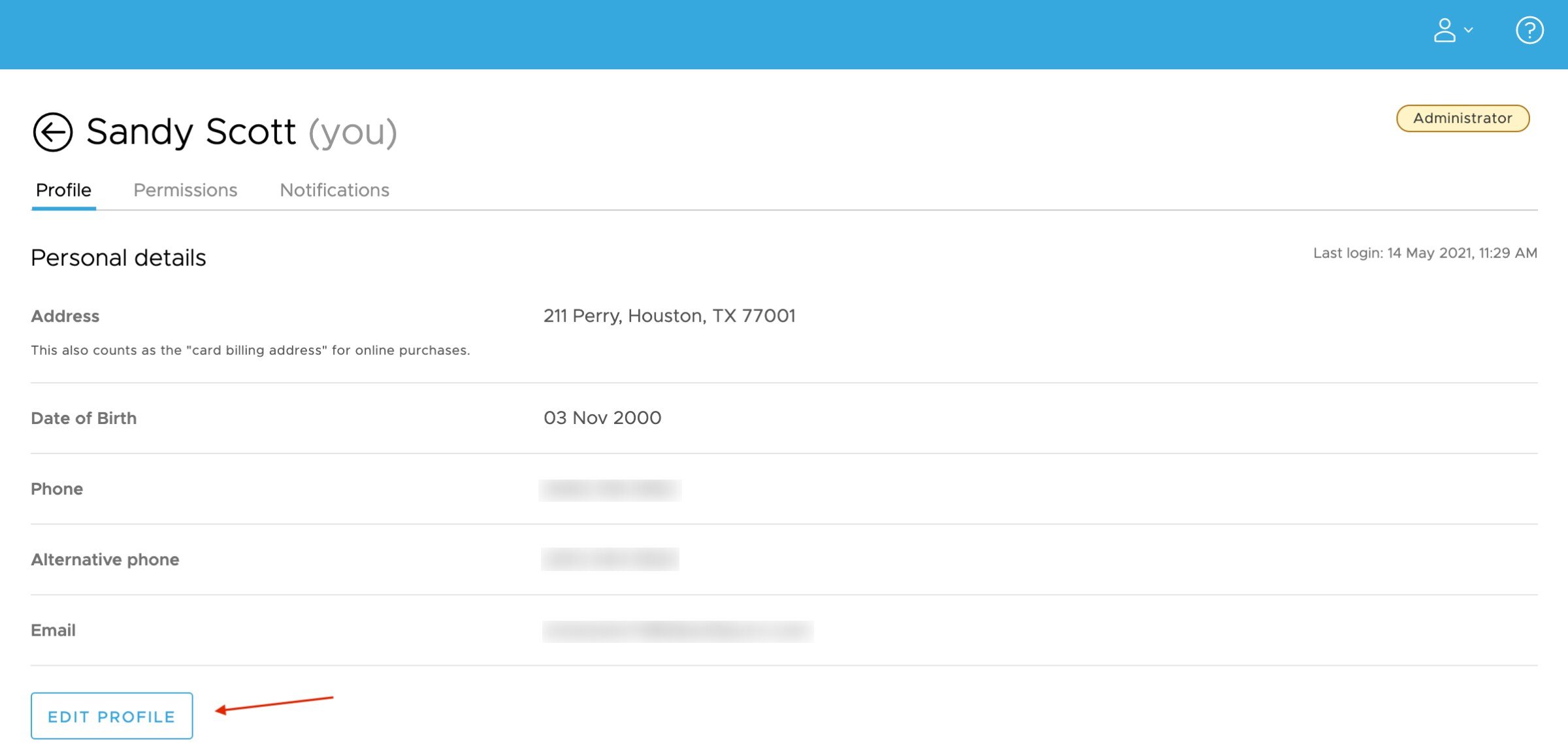
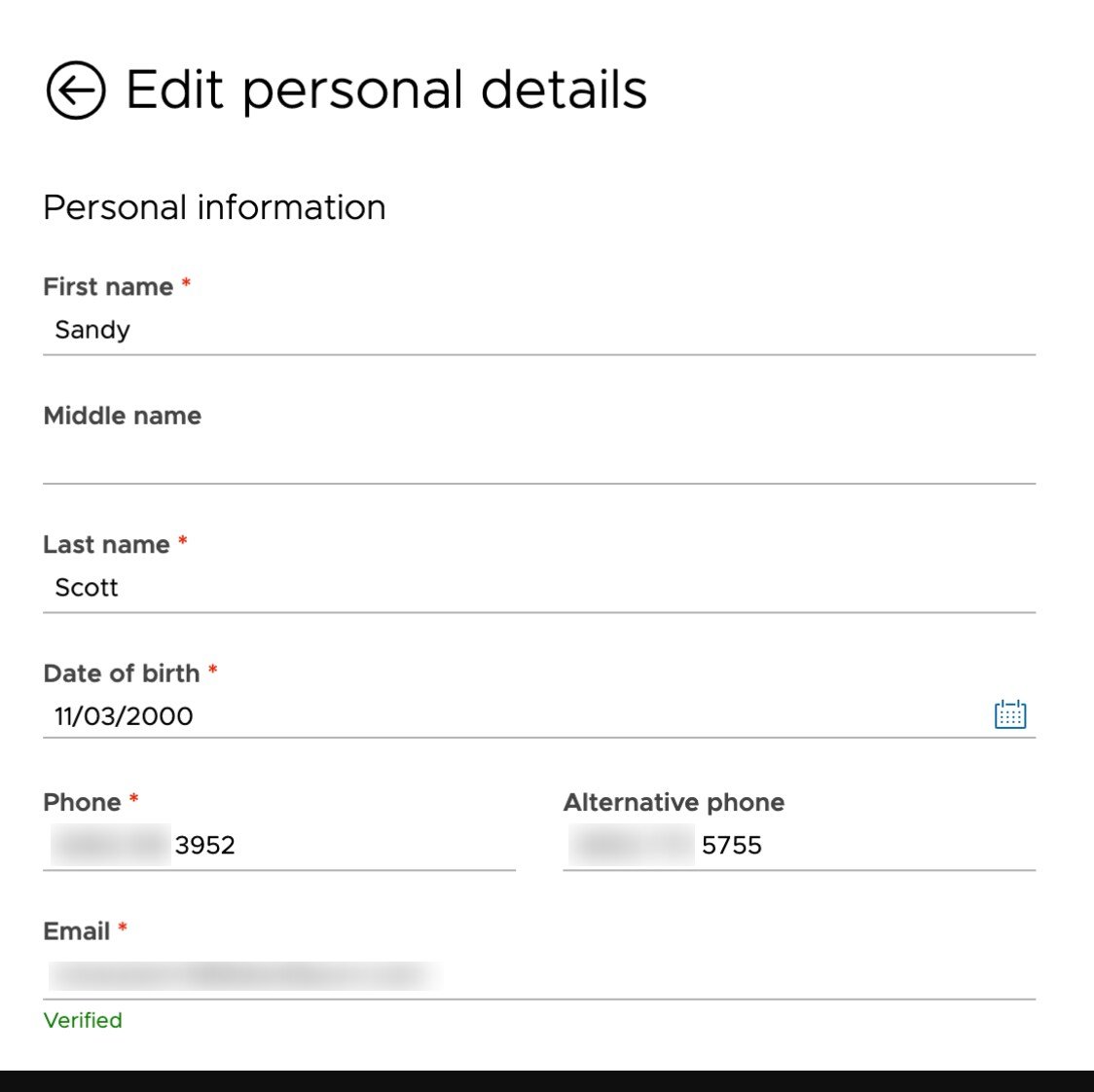
4
Verify your phone number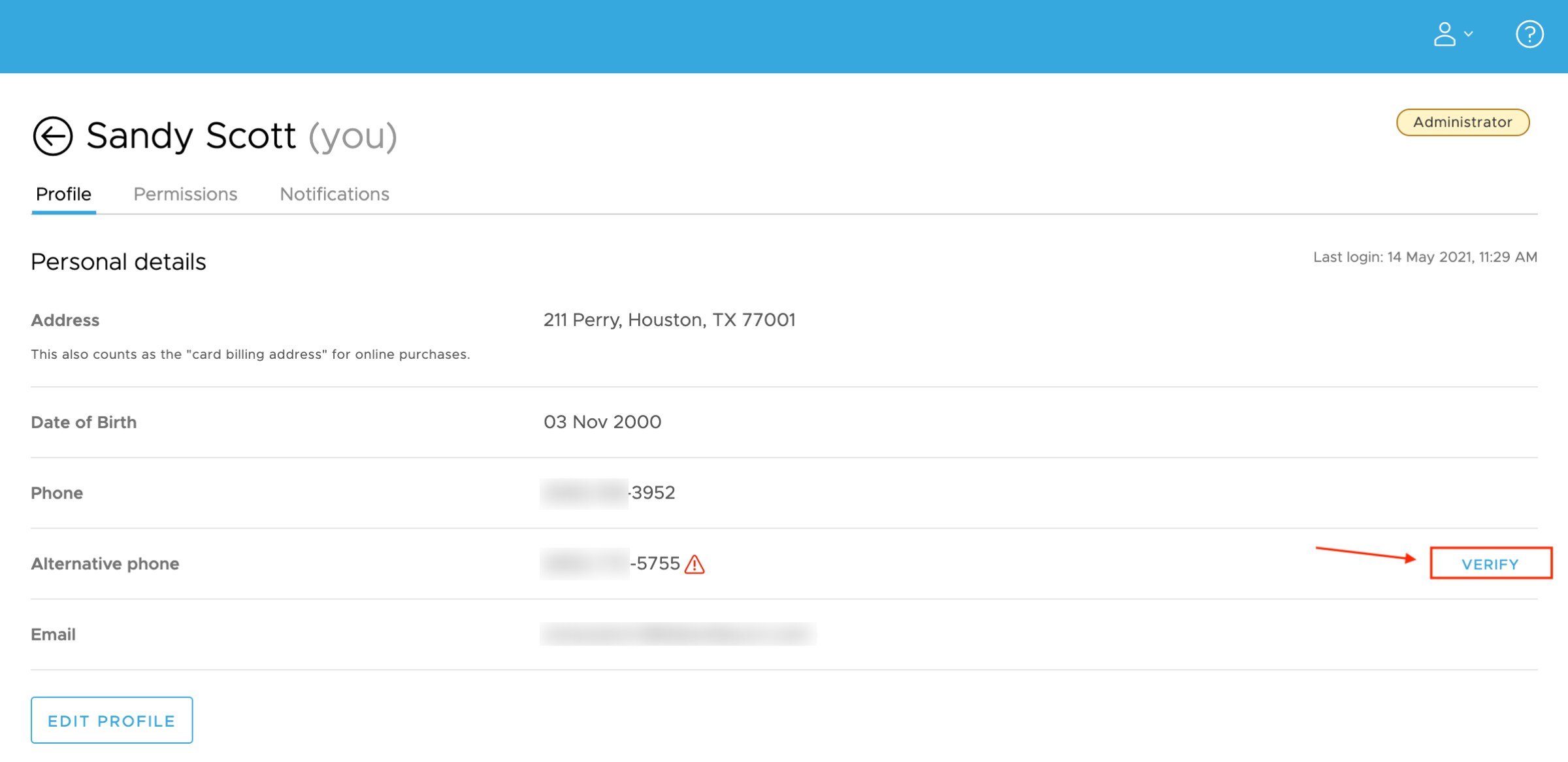
5
When prompted, enter the secure access code sent to your phone number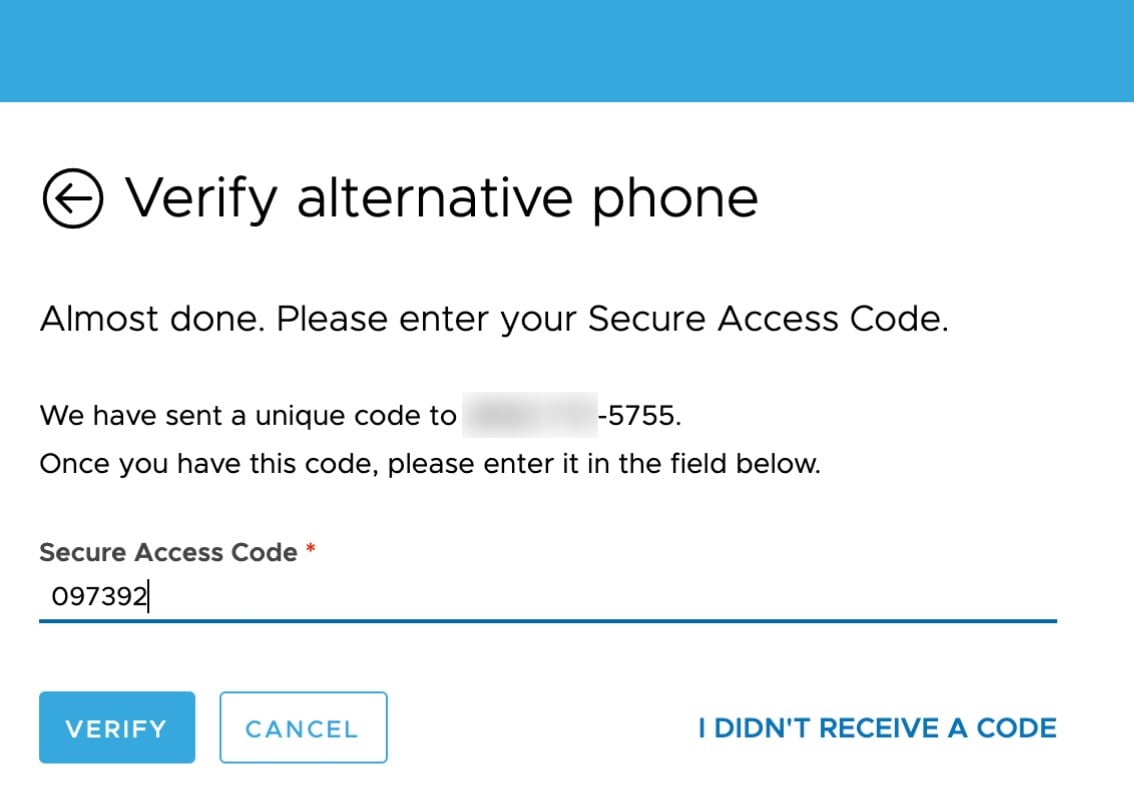
2. Opt into SMS/Text to receive your secure access code
1
Once your phone number is verified, you can opt in to receive your secure access code via SMS/Text instead of email.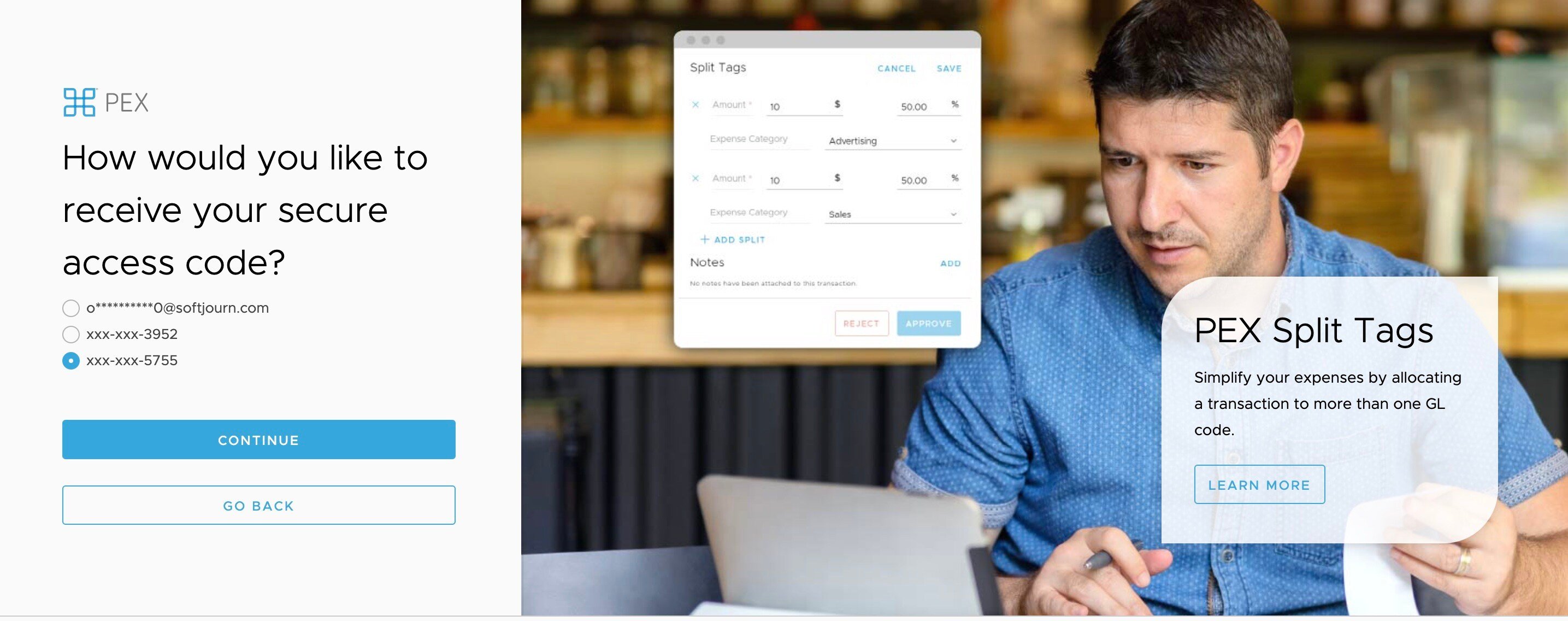
2
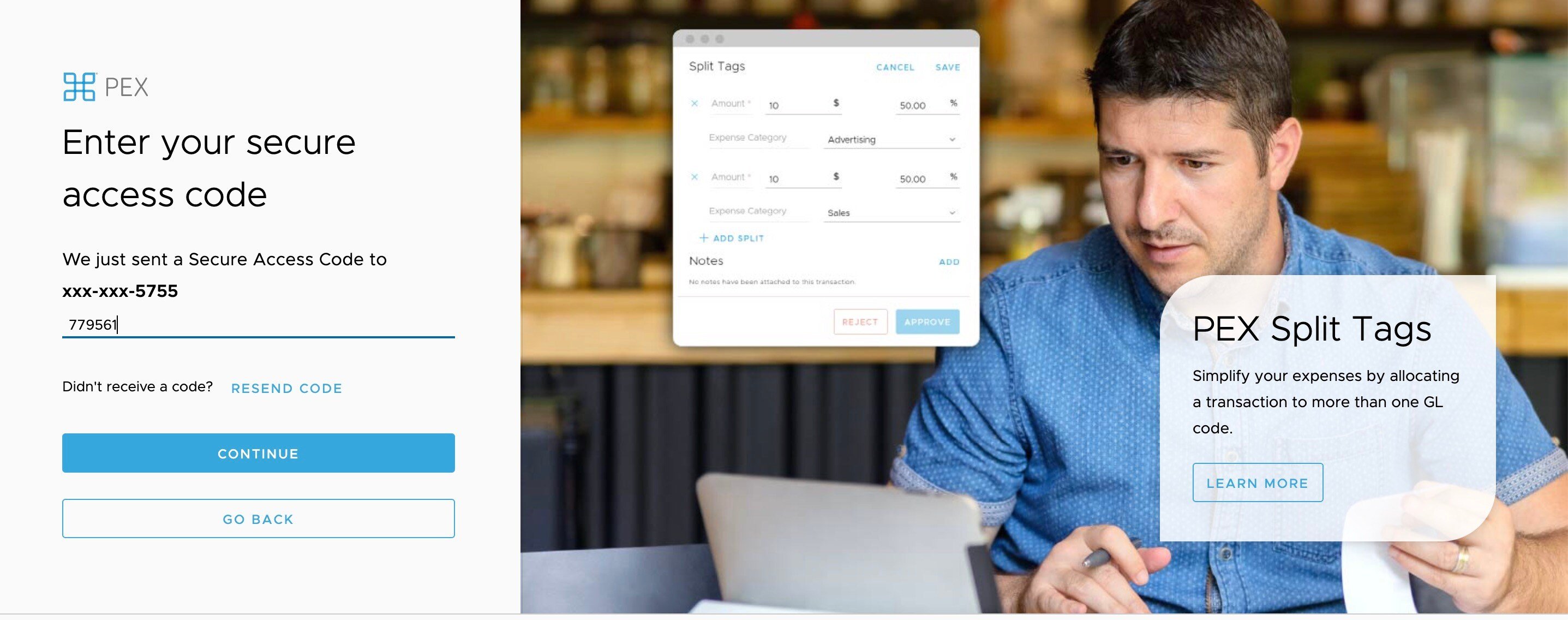
The next time you log in from an unfamiliar device or are resetting your password, and are prompted to enter a secure access code, you will be able to choose SMS/Text as your method of choice for receiving access codes in the future each time you require the code to login.