What is My Wallet?
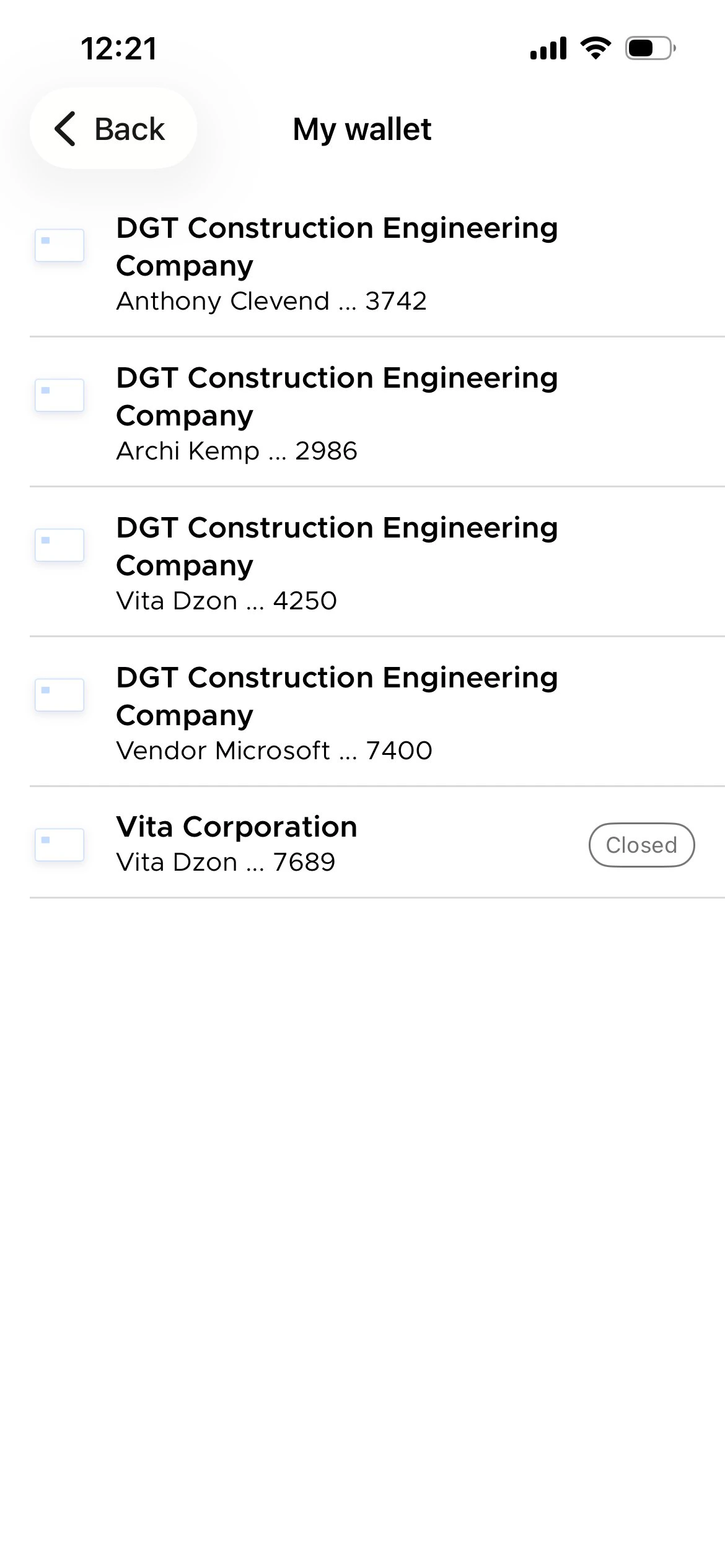
The My Wallet screen displays every PEX card linked to your user profile. Each card entry shows the business name it belongs to, the cardholder name, and the last four digits of the card number. If a card has been closed, a Closed badge appears next to it.How to access My Wallet
1
Log in to the PEX Dashboard (web) or open the PEX mobile app.
2
Navigate to the wallet icon in the header menu and tap or click on it.
3
Select a card you need from the list to view its details, transaction history, or manage its settings.