Import vendors in bulk
Use Import vendors to add up to 500 vendors from one CSV file. Each row creates one vendor, the same as adding a single vendor. Vendors that already exist are skipped, never changed.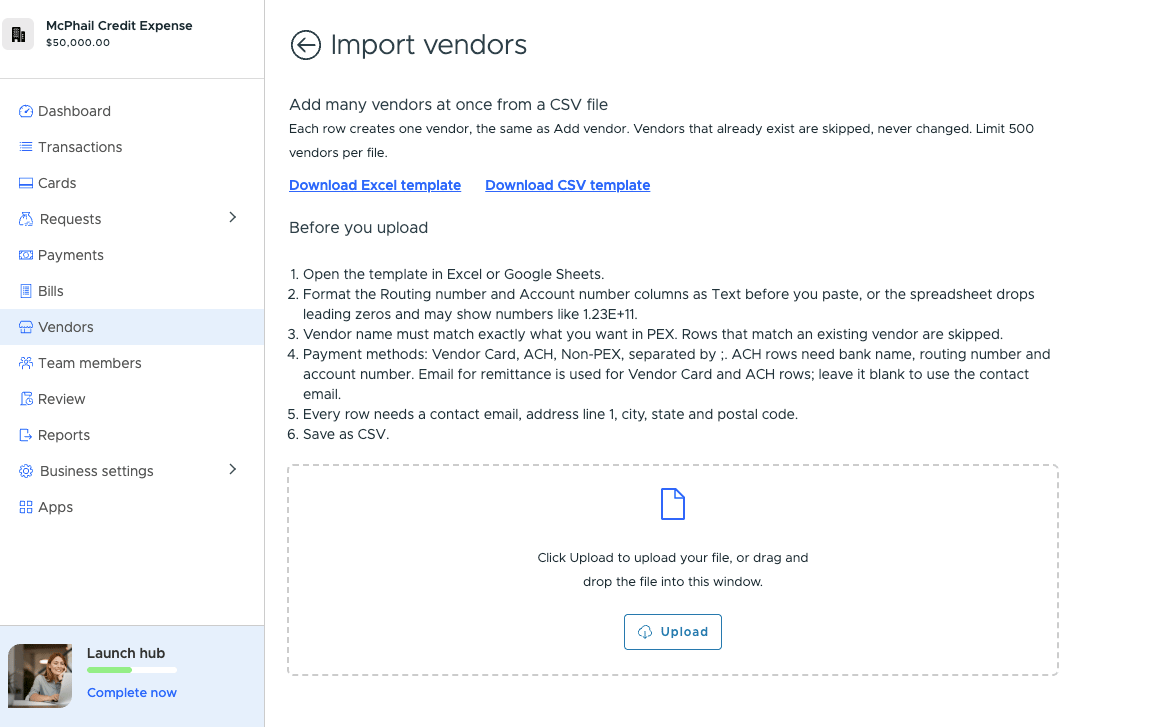
- In Vendors, click Add vendor and select Bulk import (CSV)
- Click Download Excel template or Download CSV template
- Open the template in Excel or Google Sheets and format the Routing number and Account number columns as Text before you paste. Otherwise the spreadsheet drops leading zeros and may show numbers like 1.23E+11
- Add one vendor per row, using the columns below, and save as CSV
- Click Upload or drag and drop the file into the window
- Check the vendors listed from your file. Rows that match an existing vendor show Already exists, will be skipped
- Click Import vendors and stay on the page until the import finishes
Template columns
The template’s example row is skipped, so you can leave it in or delete it.
After the import
When the import finishes, you’ll see how many vendors were created, skipped and failed, with a status and message on each row. Click Download results CSV to keep a copy or fix the file, or click Retry failed rows to try the failed vendors again. If the file itself has errors, such as a missing required field, we’ll list them before anything is imported so you can fix the file and upload it again.Find a vendor
Search by name from the Active or All tab. Search covers your whole vendor list, not just the page you’re looking at. Select the Vendor column header to sort A to Z, and select it again to reverse it.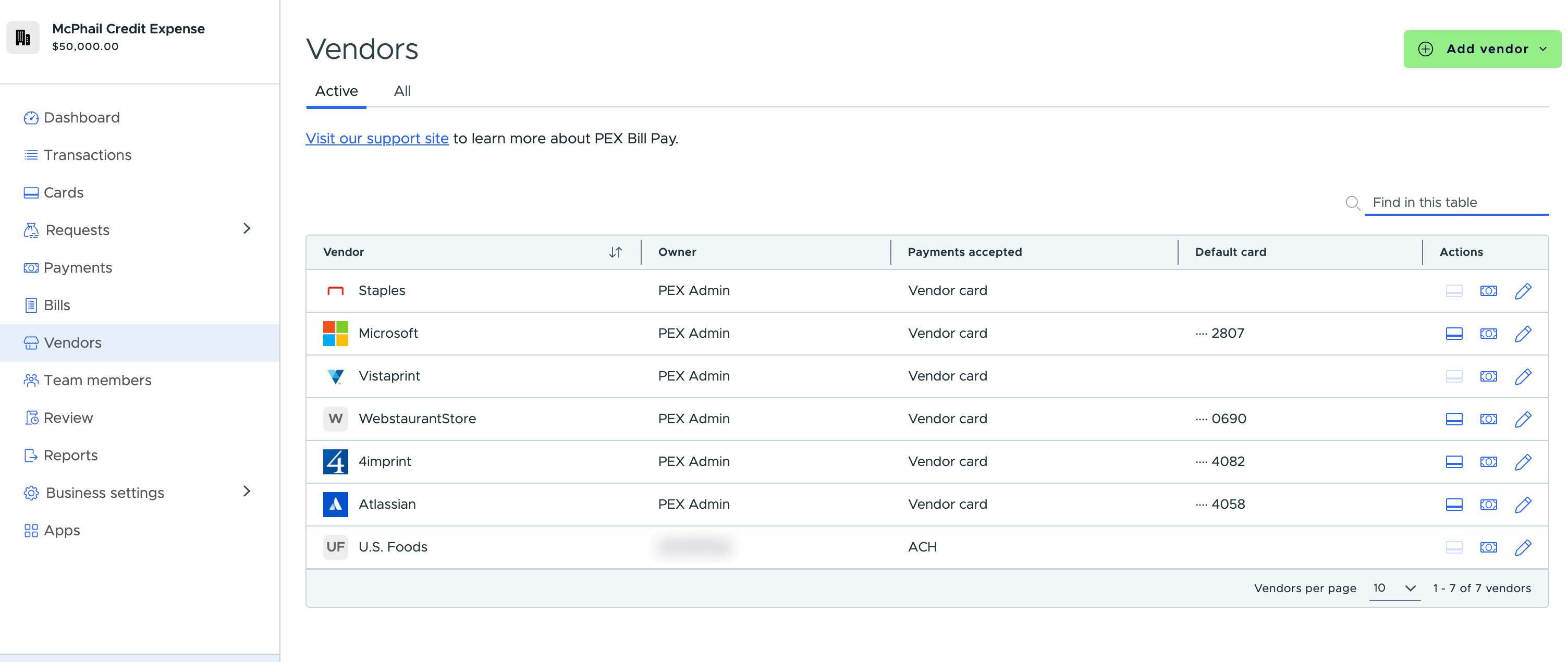
Act on a vendor from the list
Three icons sit at the end of each row:- The card icon opens the transactions on that vendor’s default card
- The bill icon starts a new bill for that vendor
- The pencil icon opens the vendor for editing
Vendor card details
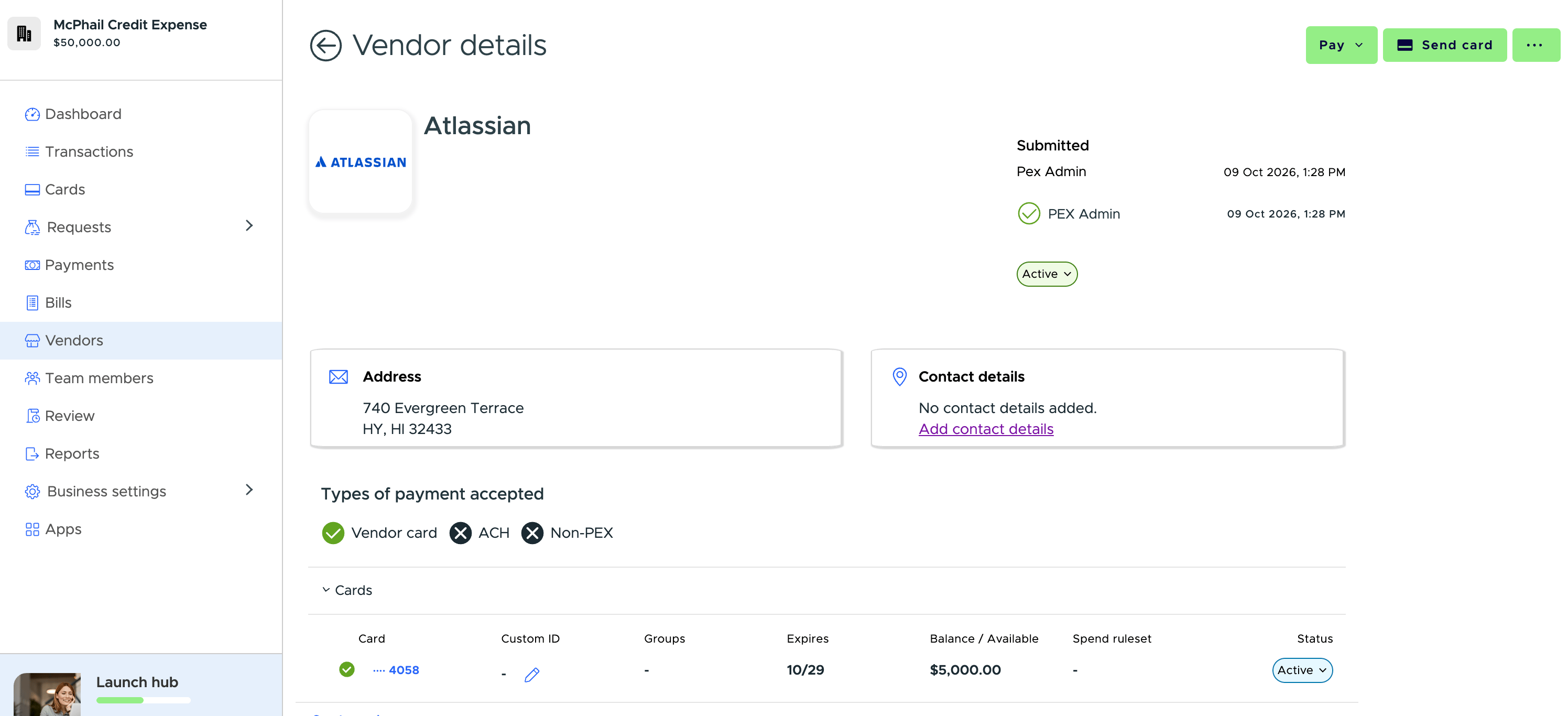
Open a vendor to see every card linked to them. Each card row shows its Custom ID, group, expiration date, spending ruleset and balance for Prepaid or spend limit and available for Credit — alongside the last four digits, the default-card marker and status.